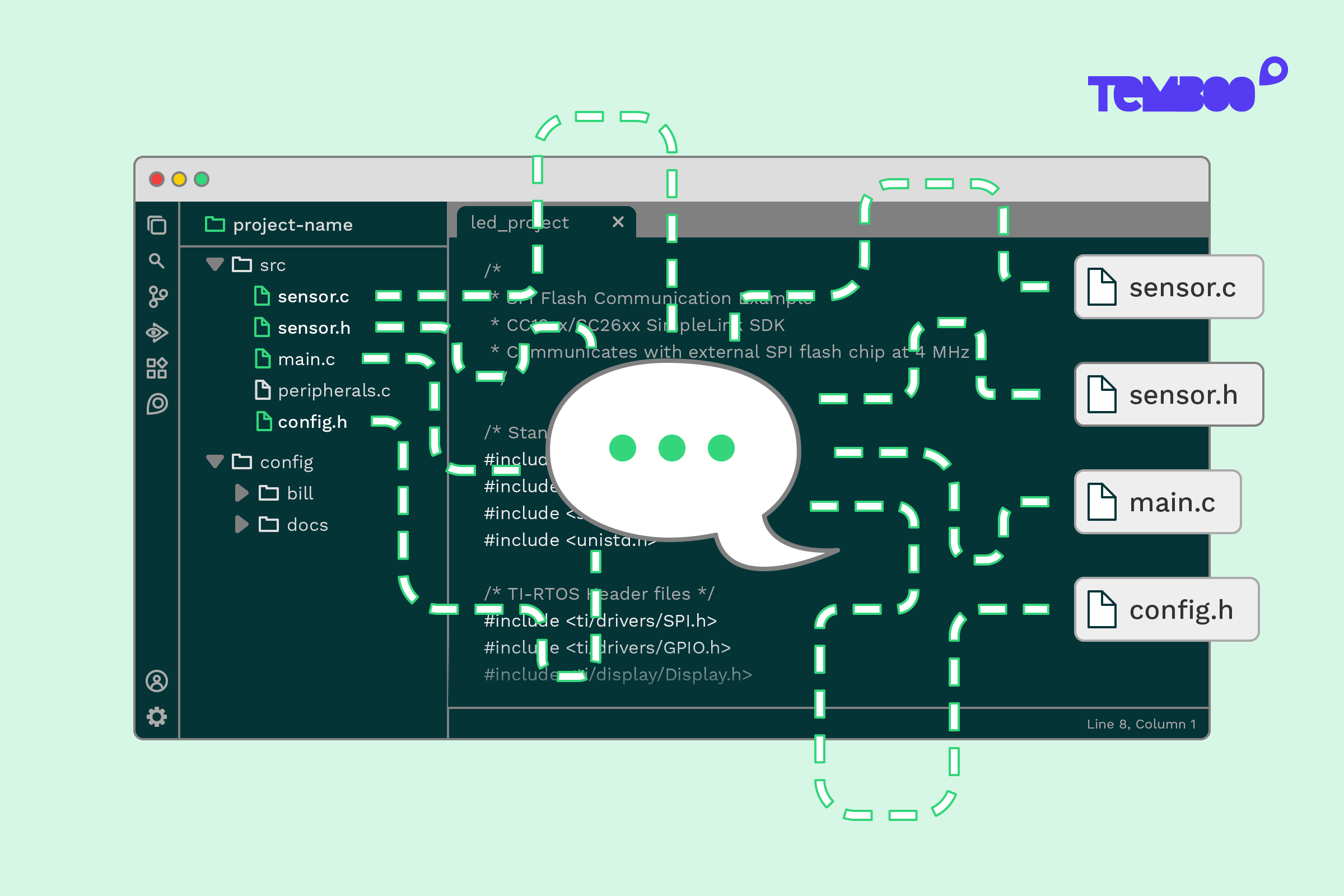
One of the biggest benefits of having an AI agent inside your IDE is that you can talk to it in the same way that you would a trusted pair programmer. The conversation should be naturally free-flowing and focused on making swift progress.
When we started building the Temboo Agent, we wanted to be especially careful about how it gained access to project contents. We took a cautious approach that relied on user-directed manual file uploads, and then we waited for user feedback.
We learned that while early users loved the quality of the agent’s responses, they wanted more automation when it came to context handling. They would much rather that the agent just grabbed whatever it needed to help them, rather than politely waiting for them to provide it.
So we’ve built something much better, something that creates the sort of natural back and forth that people love about a great pair programming experience.
The Temboo Agent Now Understands When Context Matters
We’ve added a new capability that enables the agent to figure out when it needs project context. When you ask it a question, the agent now makes a decision:
- Can this be answered with general embedded systems knowledge alone, or does it depend on project specifics?
Many prompts don’t need any extra context. Things like architecture questions or conceptual explanations can be handled based on knowledge of your MCU and SDK (which the agent already gets from your IDE). But when you’re asking about your own code, even if you’re asking somewhat indirectly, the agent is now smart enough to figure that out for itself, and it automatically start gathering context.
How It Works
When the agent decides that it needs project context, it does the following:
- Requests the structure of your workspace from your IDE
- Inspects the project tree to understand what matters in the moment
- Requests the specific files it needs to answer your question
For example, it might pull in relevant .c files or supporting project files that are obviously related to what you’re asking about. It’s almost as if the agent is sitting beside you and can see what you’re looking at. The result is a more natural back and forth that feels much closer to working with a real engineering colleague.
You’re Still in Control
This new approach to context handling doesn’t replace existing features. You can still manually upload files before asking a question about them, and you can always paste big chunks of code into the prompt window. We want you to be able to work in whatever way makes most sense for you. The big difference now is that the agent can jump in and automatically start helping itself when context is missing.
Try It Yourself
The new context handling capability is already live in the Temboo Agent. If you haven’t tried the agent yet, or if you’d like to try it again, now is a great time to jump in and see how smooth the experience feels.
Download the agent, open an embedded project, and start talking to it like a teammate.
